Delightful time.
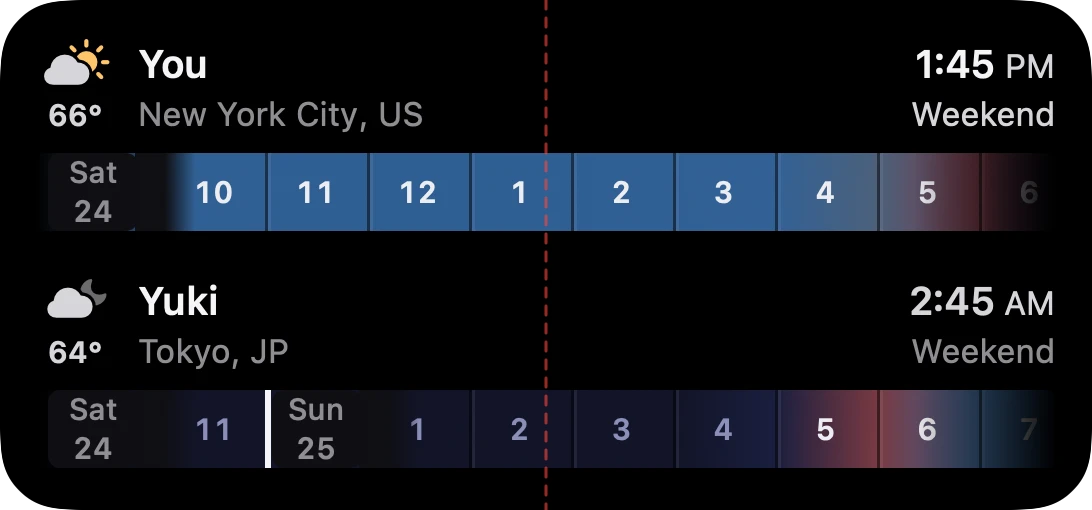
See where your people are in their day and find a time that works for everyone. In your Mac’s notch, on iPhone and iPad, and across both screens of iPhone Duo.
Coming soon
For iPhone, iPad and MacOn every screen.
Scroll anyone’s day with your thumb on iPhone, see everyone at once on iPad, and on iPhone Duo the crease becomes now, with earlier on the left and later on the right.
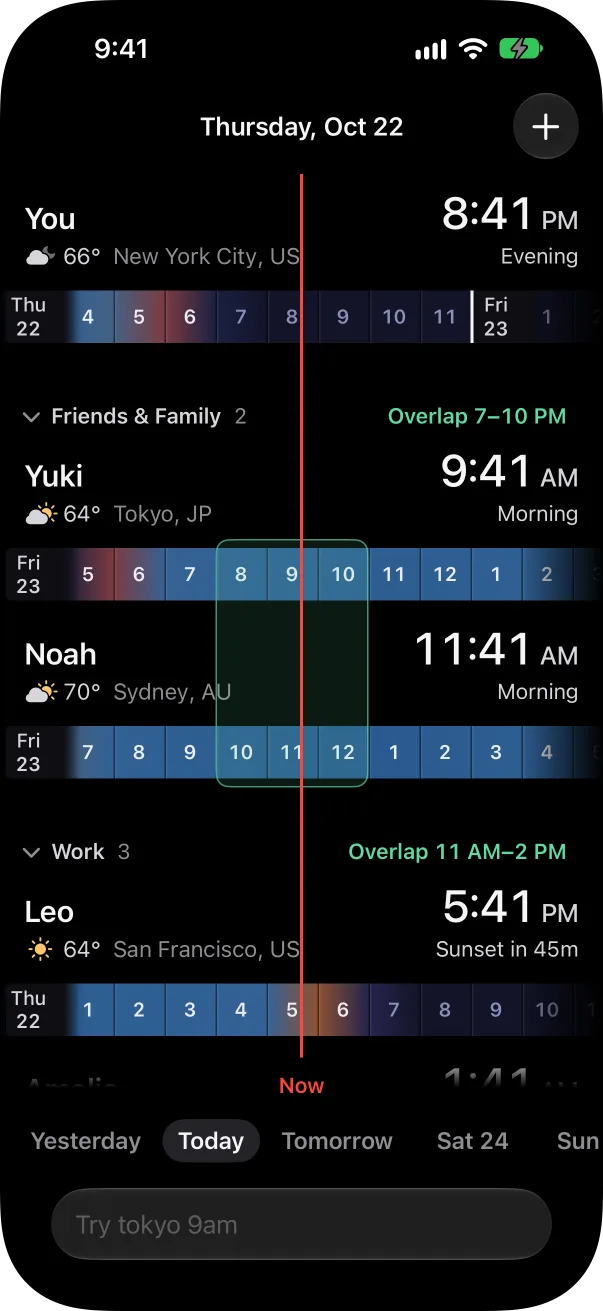
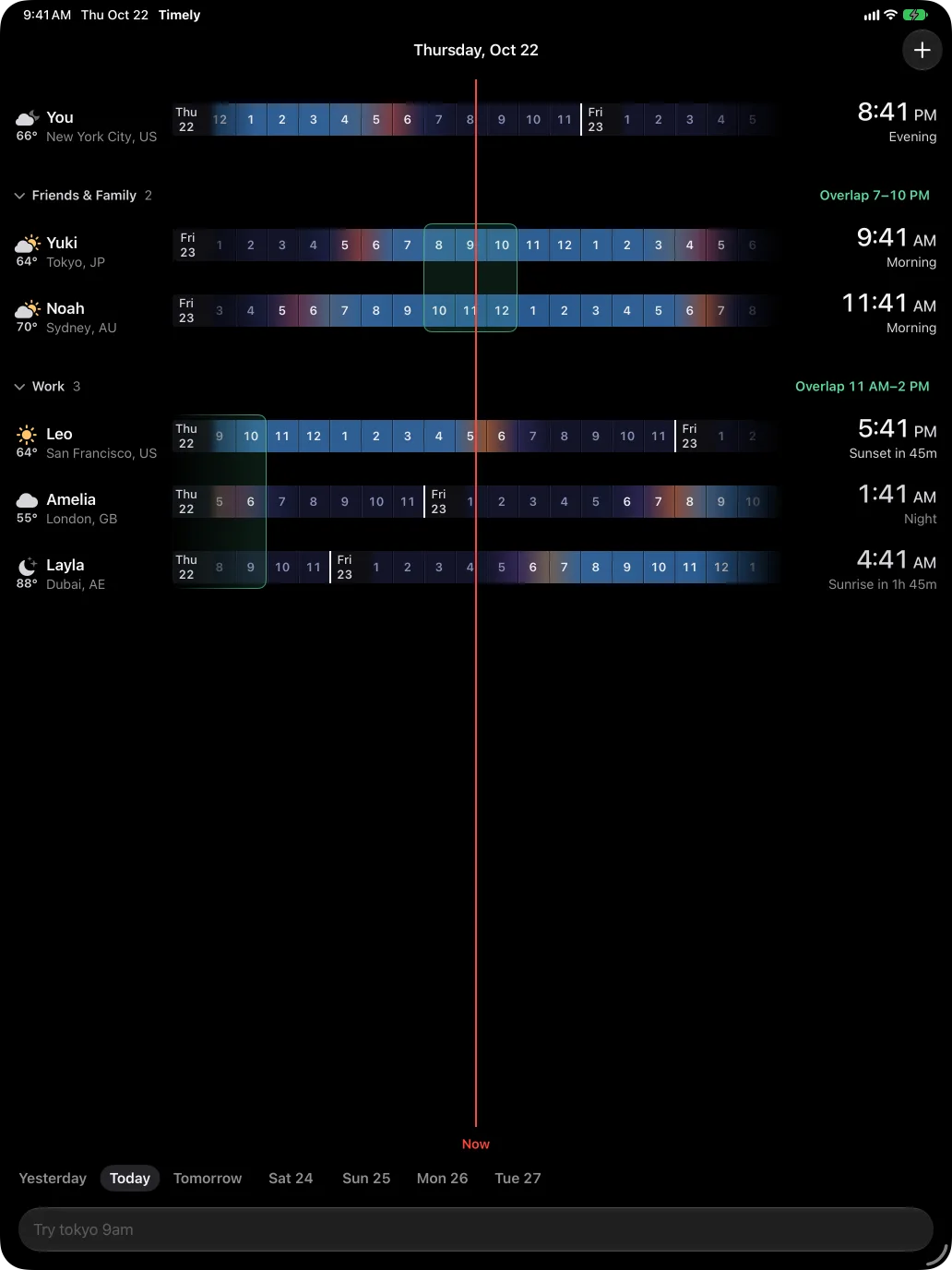
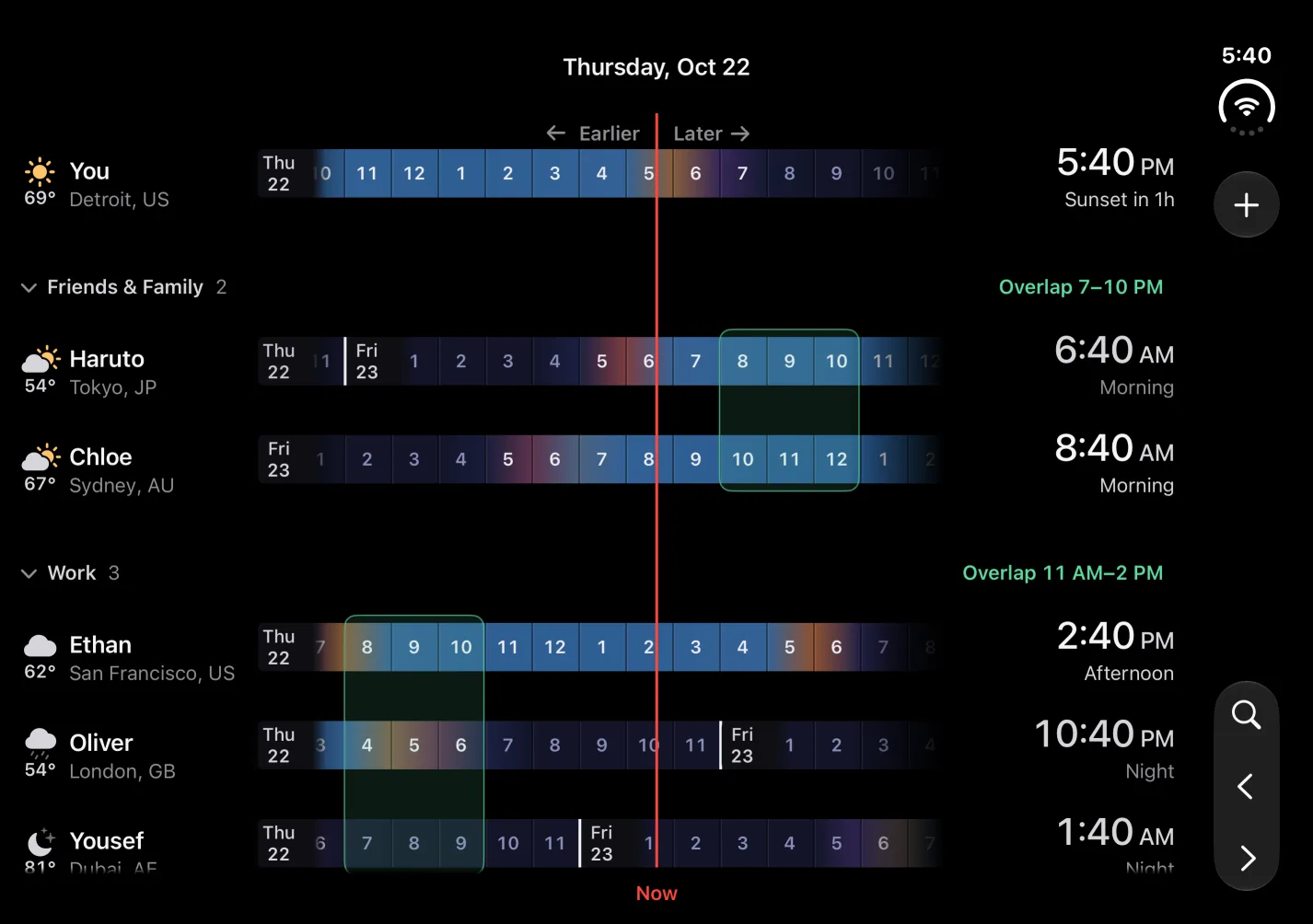
On your desktop, too.
Keep your people in view without opening the app. Add Timely to your Mac desktop or your iPhone and iPad Home Screen, and show your first few places or one group, like Work.
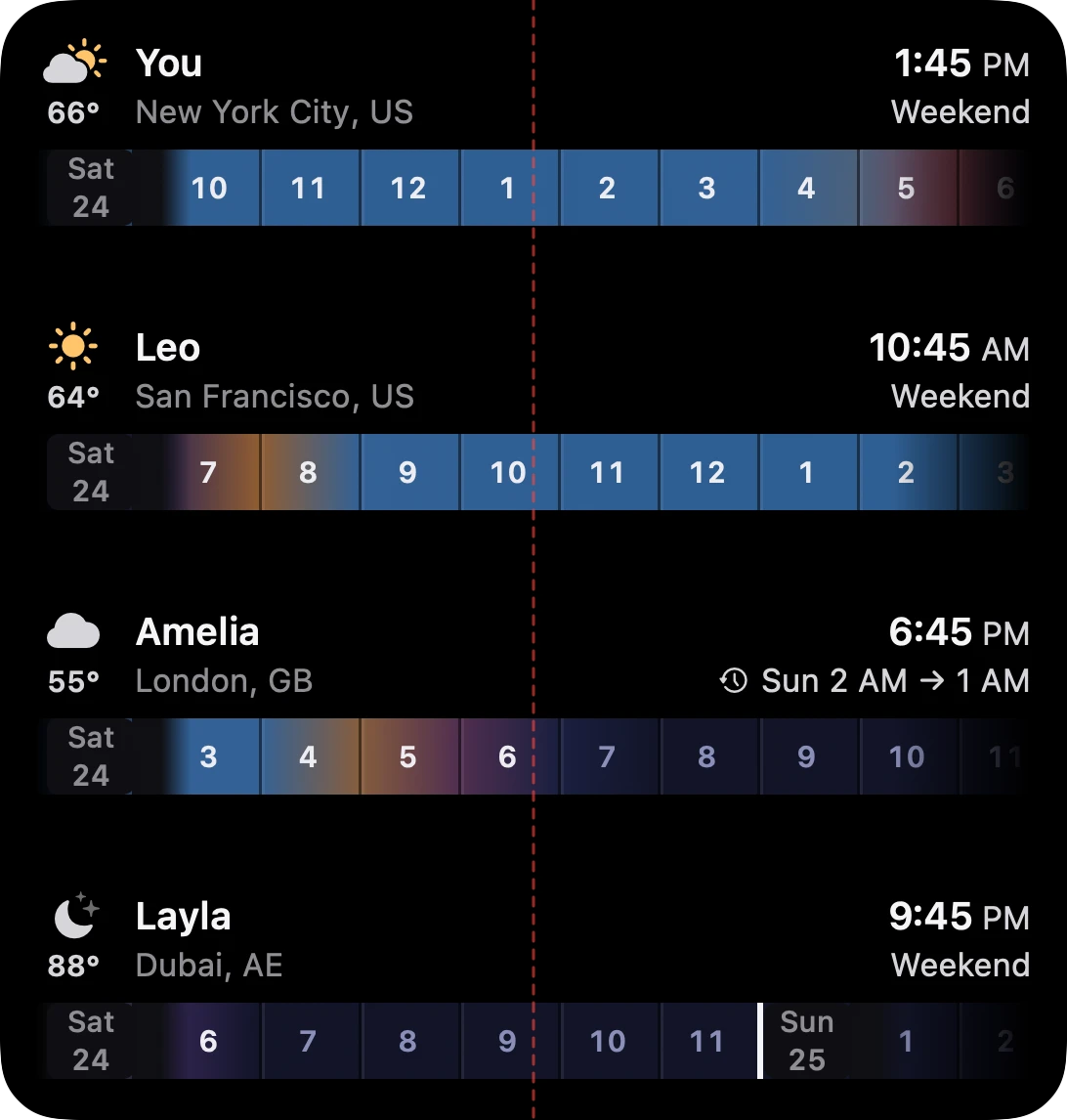
Quiet until you need it.
When the panel is closed, Timely barely registers on your Mac. Here are two minutes of it waiting in the notch, one sample a second.
0.3% CPU
Average while the panel is closed
23MB
Memory, steady the whole time
Measured with top on a MacBook Pro with M4 Max and macOS 27.0.1.

Delightful time.
Coming soon
For iPhone, iPad and Mac. Questions? We’re here to help.